Windows 10 End of Support: What Northampton Businesses Need to Do

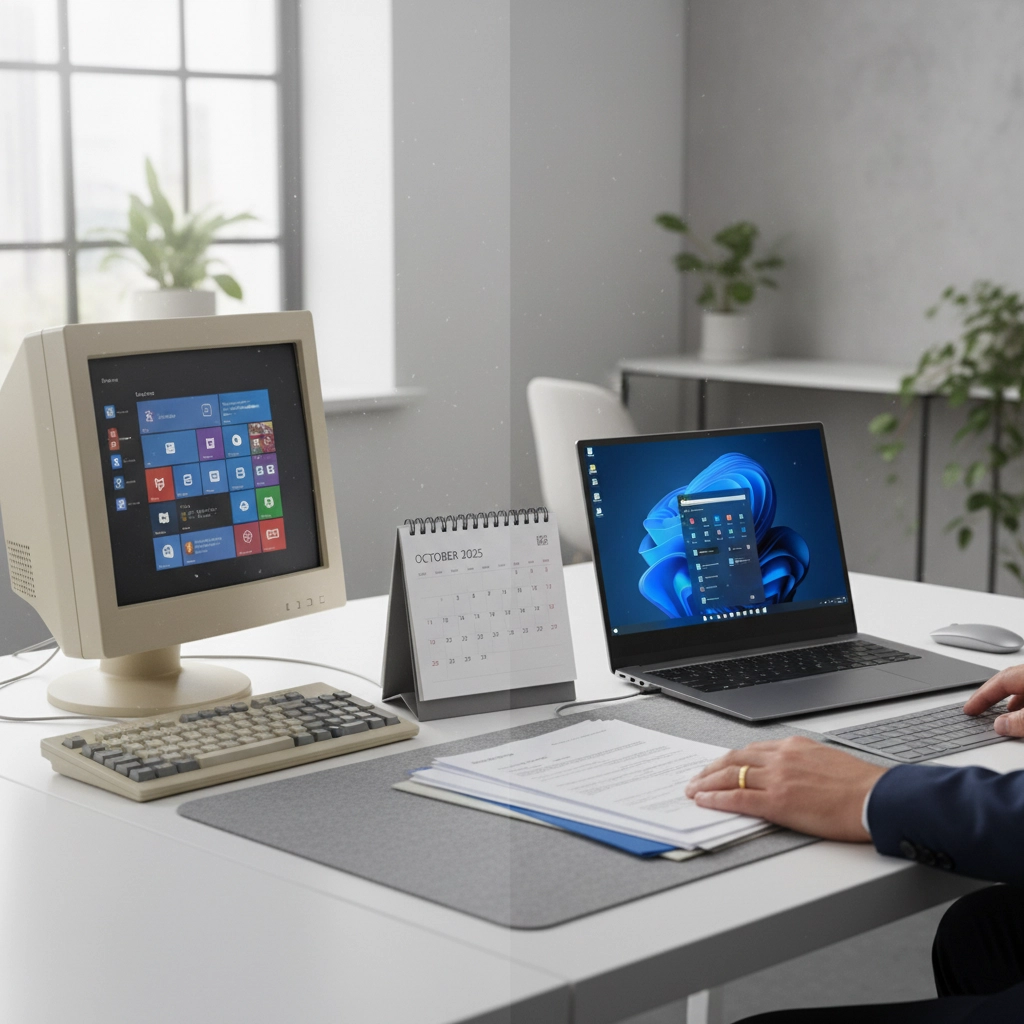
With just three days remaining until Microsoft officially ends support for Windows 10 on October 14, 2025, Northampton businesses face an urgent decision about their existing IT infrastructure. This deadline isn’t just another software update: it represents a critical security and compliance milestone that will affect how you manage your business technology and dispose of obsolete equipment.
After October 14, your Windows 10 computers will continue to function, but Microsoft will stop providing security updates, bug fixes, and technical support. This creates immediate cybersecurity risks and potential compliance issues that every business owner needs to address promptly.
Understanding What End of Support Really Means
Windows 10 end of support doesn’t mean your computers will suddenly stop working. However, it does mean Microsoft will no longer release security patches to protect against new vulnerabilities. Cybercriminals specifically target outdated systems because they know these security gaps won’t be fixed.
For businesses in regulated industries: healthcare, finance, legal services, or any sector handling personal data: continuing to use unsupported Windows 10 devices could result in non-compliance with GDPR, industry standards, and data protection requirements. The financial penalties for data breaches involving unsupported systems can be substantial.
Third-party software providers will also begin phasing out Windows 10 compatibility, potentially leaving you with applications that no longer receive updates or support.
Your Three Options for Windows 10 Devices
Option 1: Upgrade to Windows 11
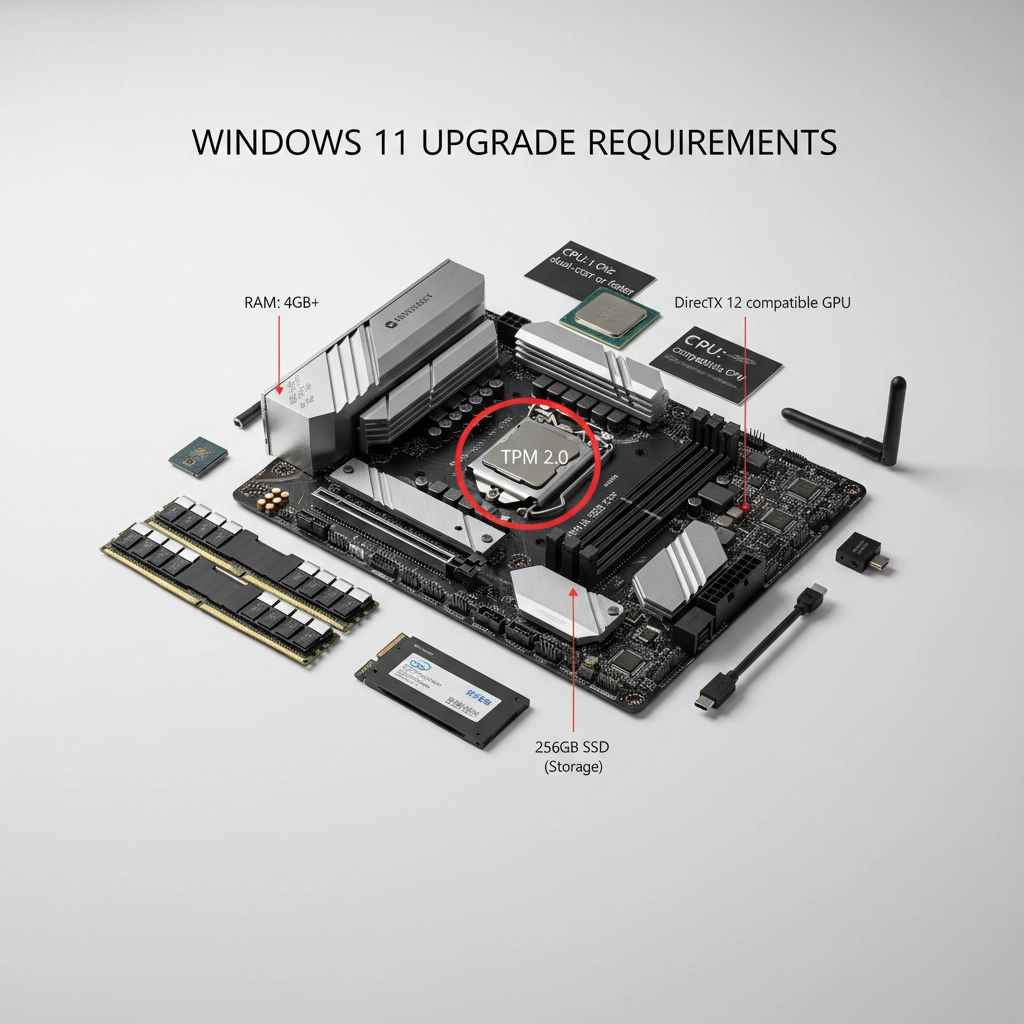
If your devices meet Microsoft’s hardware requirements, upgrading to Windows 11 provides the most cost-effective solution. The upgrade is free, but your computers must have:
- TPM 2.0 (Trusted Platform Module)
- UEFI firmware with Secure Boot capability
- 8th generation Intel or AMD Ryzen 2000 series processors (or newer)
- 4GB RAM minimum (8GB recommended)
- 64GB storage minimum
Run Microsoft’s PC Health Check tool to verify compatibility before attempting the upgrade.
Option 2: Extended Security Updates
Microsoft offers Extended Security Updates (ESU) for Windows 10 until October 2026, but these come at significant cost: $61 per device for the first year for commercial users. ESUs are intended as a temporary bridge, not a permanent solution.
Option 3: Replace with New Hardware
Many Windows 10 devices won’t meet Windows 11’s stringent hardware requirements. For these systems, purchasing new Windows 11-compatible computers provides the most secure long-term solution.
The Critical Issue: What to Do with Old Devices
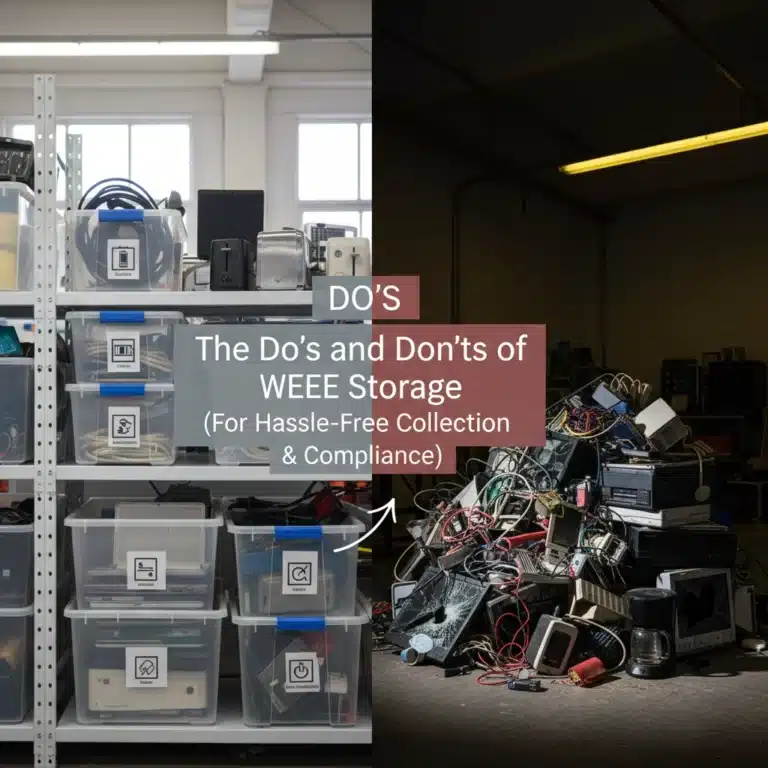
When upgrading your IT infrastructure, proper disposal of old equipment isn’t optional: it’s legally required under WEEE (Waste Electrical and Electronic Equipment) regulations. More importantly, improper disposal creates serious data security risks for your business.
Data Security Risks You Cannot Ignore
Old computers, servers, and storage devices contain years of sensitive business information:
- Customer records and financial data
- Employee personal information
- Proprietary business documents
- Email archives and communications
- Software licenses and access credentials
Simply deleting files or formatting hard drives doesn’t eliminate this data. Professional data thieves use sophisticated recovery tools to extract information from improperly disposed devices.
Legal Requirements for Electronics Disposal
Under UK WEEE regulations, businesses must:
- Dispose of electronic waste through certified recycling facilities
- Ensure proper data destruction procedures
- Maintain documentation proving compliant disposal
- Separate different types of electronic equipment appropriately
Failing to comply with WEEE regulations can result in unlimited fines and prosecution. More concerning, data breaches from improperly disposed devices can trigger GDPR penalties of up to 4% of annual turnover.
Secure Data Destruction: Your First Priority
Before disposing of any device, you must ensure complete data destruction. This process involves more than standard file deletion:
Professional Data Wiping Certified data destruction services use DoD 5220.22-M standards or higher, overwriting data multiple times to make recovery impossible. This process works for functional drives that will be refurbished or resold.
Physical Destruction For highly sensitive data or damaged drives, physical destruction provides the highest security level. Certified facilities use industrial shredders to completely destroy storage media, providing video documentation and certificates of destruction.
Chain of Custody Documentation Legitimate data destruction services provide detailed documentation tracking your devices from collection through final disposal, ensuring complete accountability throughout the process.
Finding Reliable Electronics Disposal Near Me
When searching for “electronics disposal near me” or “e waste recycling near me,” prioritize providers offering:
Security and Compliance Priorities
- Secure data destruction with documented chain of custody
- WEEE-compliant disposal with clear Waste Transfer Notes
- Transparent processes for reuse, refurbishment, and material recovery
- Practical support for Northampton businesses
Complete Service Package
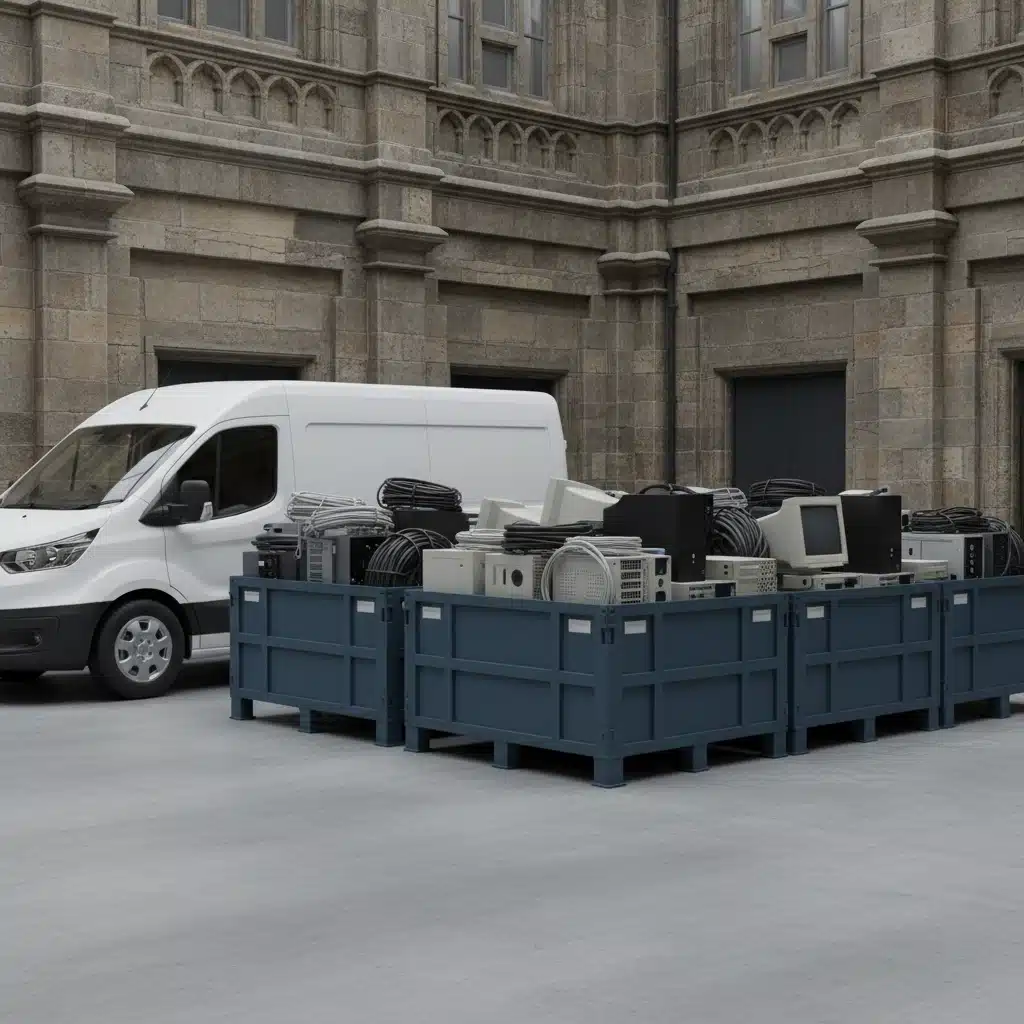
- On-site collection services
- Secure data destruction with certificates
- WEEE compliant recycling processes
- Asset recovery and refurbishment options
- Detailed reporting and documentation
Local Expertise Working with Northampton-based providers offers several advantages:
- Faster response times for urgent disposals
- Local knowledge of specific business requirements
- Reduced transportation environmental impact
- Support for the local economy

Asset Recovery: Turning Old Equipment into Value
Professional IT recycling doesn’t just dispose of old equipment: it can generate value for your business. Many components from older systems retain resale value:
- RAM and processors from newer systems
- Monitors and peripherals in good condition
- Software licenses that can be transferred
- Precious metals recovered from circuit boards
Reputable recycling partners provide detailed asset recovery reports, potentially offsetting upgrade costs through equipment buyback programs.
WEEE Compliance Made Simple
WEEE regulations apply to all business electrical equipment, including:
- Desktop computers and laptops
- Monitors and displays
- Printers and scanners
- Networking equipment
- Mobile devices and tablets
- Cables and accessories
Your chosen recycling partner should handle all compliance requirements:
- Proper classification and segregation
- Transportation under appropriate licenses
- Processing at authorized treatment facilities
- Provision of WEEE transfer notes
- Annual reporting assistance
Immediate Action Plan for Northampton Businesses
Week of October 14-18, 2025:
- Complete device inventory assessment
- Test Windows 11 compatibility on representative systems
- Begin data backup procedures for all critical information
- Contact IT recycling providers for disposal quotes
Week of October 21-25, 2025:
- Start Windows 11 upgrades on compatible devices
- Order replacement hardware for incompatible systems
- Schedule secure data destruction for devices being retired
- Arrange collection services for bulk equipment disposal
Ongoing Actions:
- Monitor upgrade progress and address compatibility issues
- Ensure all staff training covers new systems
- Implement enhanced backup procedures
- Review and update IT security policies
Choosing Your Recycling Partner
When evaluating potential recycling providers, verify they offer:
- Transparent pricing with no hidden collection fees
- Flexible scheduling accommodating your business hours
- Comprehensive insurance protecting against data breaches
- Environmental responsibility with proper recycling certifications
- Customer support providing guidance throughout the process
The right partner should feel like an extension of your IT team, understanding your security requirements and compliance obligations while providing practical solutions for equipment disposal.
Your Windows 10 devices represent both an immediate security challenge and an opportunity to upgrade your IT infrastructure responsibly. By addressing data security, WEEE compliance, and proper disposal simultaneously, you protect your business while contributing to environmental sustainability.
The deadline has arrived: but with proper planning and the right recycling partner, you can navigate this transition smoothly while ensuring your old equipment is handled securely and legally.
For businesses seeking reliable e-waste recycling solutions with WEEE-compliant handling and secure data destruction, professional guidance ensures you meet regulatory requirements while protecting your business data.