Don’t Let Your Old iPads Become Bricks: A Business Guide to Unlocking E-Waste for Reuse
![[HERO] Don't Let Your Old iPads Become Bricks: A Business Guide to Unlocking E-Waste for Reuse](https://cdn.marblism.com/dsd3VDfCCdk.webp)
For any IT manager or business owner in Northamptonshire, the sight of a stack of retired iPads or laptops usually triggers a mix of relief and frustration. Relief because the upgrade cycle is complete, but frustration because you know that among those devices are perfectly functional pieces of hardware that might never see a second life.
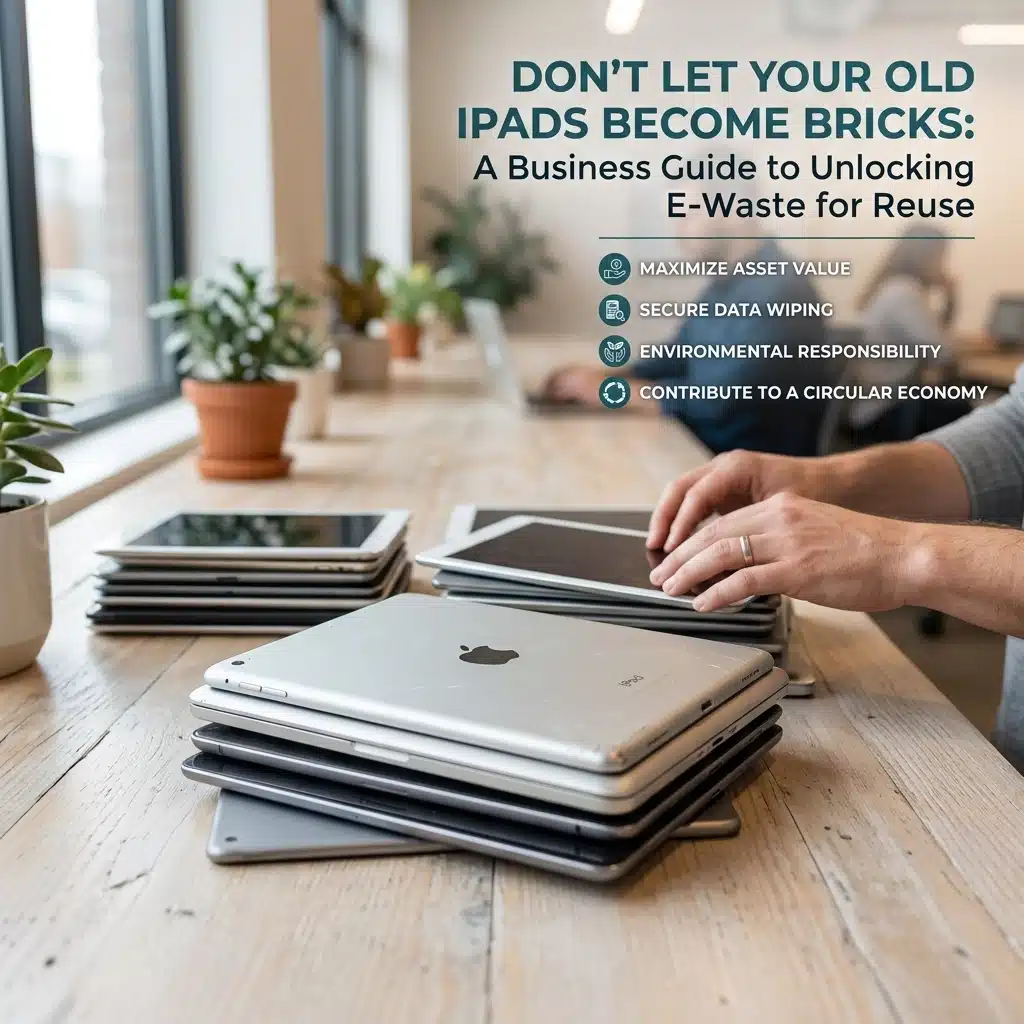
At Northamptonshire E-Waste and Electrical Recycling, we see this daily. High-end tablets, specifically iPads, arrive at our facility in pristine physical condition. They have vibrant screens, healthy batteries, and fast processors. Yet, a significant portion of them ends up being sent to the shredder for raw material recovery rather than being refurbished.
Why? Because they are “bricked.” Not by hardware failure, but by software locks.
This guide is designed to help your business navigate the process of decommissioning hardware correctly. By following a few specific steps to unlock and deregister your devices, you can ensure your old tech contributes to the circular economy rather than becoming high-tech landfill.
The Problem: Why Perfectly Good Tech Gets Shredded
When we talk about “bricking” a device in the recycling industry, we aren’t usually talking about a broken screen. We are talking about Activation Lock.
Apple’s security measures are industry-leading for a reason: they deter theft. However, when a business retires a fleet of devices without properly signing out of iCloud accounts or removing Mobile Device Management (MDM) profiles, those security measures become a barrier to legitimate reuse. An iPad locked to a former employee’s Apple ID is, for all intents and purposes, a paperweight. We cannot bypass these locks, and neither can the next user.
If a device cannot be accessed, it cannot be refurbished and resold. This forces us to move the device down the waste hierarchy from “Reuse” to “Recycling,” where the device is physically destroyed to recover metals like gold, copper, and cobalt. While recycling is better than a bin, putting working tech back on the market is significantly better for the planet and your CSR (Corporate Social Responsibility) goals.

The Financial and Environmental Incentive for Reuse
Prioritizing reuse isn’t just about “being green.” For Northamptonshire businesses, it’s about efficiency and compliance.
- Lowering Carbon Footprint: Manufacturing a new iPad consumes a vast amount of energy and raw materials. Extending the life of an existing unit by three to five years drastically reduces the total environmental impact of your IT procurement.
- Data Security: Proper decommissioning ensures that data is wiped at the source, reducing the risk of a breach during transport.
- WEEE Compliance: As a business, you are legally required to dispose of electronics through a licensed provider. Ensuring devices can be reused often simplifies the logistics of WEEE recycling services.
Step-by-Step: How to Prepare Your Devices for Collection
To ensure your hardware can be refurbished by Northamptonshire E-Waste and Electrical Recycling, your IT team should implement the following checklist before we arrive for your free collection.
1. Remove Personal and Business Accounts (iCloud/Google)
This is the most common reason for device “bricking.” If a device is still linked to an Apple ID or a Google Account, it is locked to that user.
- For iOS (iPads/iPhones): Go to Settings > [User Name] > Sign Out. You will need the Apple ID password. If the employee has already left the company, you may need to reset the password via your corporate email system.
- For Android: Go to Settings > Accounts > Remove Account.
2. Deregister from Management Software (MDM)
Most businesses use MDM solutions like Jamf, Microsoft Intune, or Kandji to manage their fleet. Even if you factory reset an iPad, if it is still enrolled in your MDM, it will automatically try to re-configure itself to your business settings the moment it connects to Wi-Fi.
- The Fix: You must manually “Un-enroll” or “Retire” the device from your MDM dashboard. This releases the serial number from your organization’s control, allowing a new user to set it up as a fresh device.

3. Clear PIN Locks and Passwords
While a factory reset usually handles this, it’s best practice to ensure no BIOS passwords (on laptops) or screen PINs are active. For iPads, if you cannot get past the PIN and don’t have the iCloud details, the device is effectively locked out of the refurbishment process.
4. Perform a Factory Reset
Once accounts and MDM profiles are removed, perform a full wipe of the device.
- On iPad/iPhone: Settings > General > Transfer or Reset iPad > Erase All Content and Settings.
- On Windows: Settings > Update & Security > Recovery > Reset this PC > Remove everything.
Special Considerations for iPads
iPads are the most “at-risk” items in the e-waste stream due to their tight integration with Apple’s Find My network. If “Find My iPad” is left on, the device remains Activation Locked.
If you have a large batch of iPads and realize they are locked after they have been collected, you can often unlock them remotely:
- Log into iCloud.com/find.
- Select the device from the list.
- Choose “Remove from Account.”
Doing this remotely can save dozens of devices from the shredder in a single afternoon.

Why Partner with Northamptonshire E-Waste?
We aren’t just here to haul away “junk.” We are your local partners in IT asset disposition (ITAD). We prioritize the hierarchy of waste: Reduce, Reuse, Recycle.
When you choose our e-waste recycling services, we perform a secondary check on all incoming hardware. If we find that a device is still locked, we often reach out to our regular business clients to see if they can release the MDM or iCloud lock remotely. This extra step is what sets us apart as a community-oriented recycling partner.
Our Commitment to Data Safety
We understand that the primary concern for any IT Manager is data security. You might be hesitant to “unlock” a device for fear of exposing sensitive information. Rest assured, our process involves:
- Certified Data Destruction: Any device intended for reuse undergoes a military-grade data wipe.
- Physical Destruction: If a device cannot be wiped or is too old for reuse, it is physically destroyed.
- Compliance: We operate in full accordance with UK WEEE regulations and data protection laws. You can review our privacy policy for more details on how we handle information.
Frequently Asked Questions
Q: What if the employee who had the iPad is no longer with the company? A: If the device is managed via an MDM or Apple Business Manager, your admin can release the lock. If it was set up with a personal Apple ID, you may need to provide proof of purchase to Apple to have the lock removed, or contact the former employee.
Q: Is it worth the time to unlock old tech? A: Absolutely. Beyond the environmental benefits, many businesses find that they can offset disposal costs or even generate credit by providing “ready-for-reuse” hardware. It also simplifies your annual WEEE reporting.
Q: Do you take other items besides iPads? A: Yes, we handle a wide range of electrical waste, including old cables, computers, laptops, tablets, and other IT equipment. However, we do not take fridges, microwaves, or any white goods. IT hardware like tablets, laptops, and servers has the highest potential for reuse.
Conclusion: Take the First Step Toward Circular IT
Don’t let your storage cupboard become a graveyard for “bricked” iPads. By implementing a standard decommissioning procedure that includes account removal and MDM deregistration, your business can lead the way in sustainable tech management in Northamptonshire.
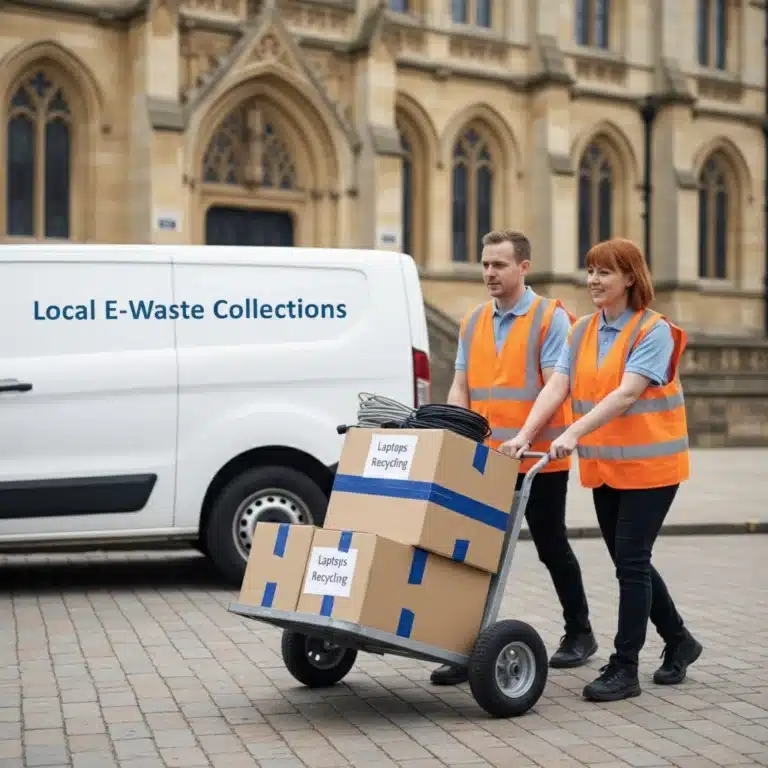
Ready to clear out your old IT assets? Whether you have ten iPads or a hundred servers, we can help. Our team provides professional, compliant, and efficient collection services tailored to local businesses.
Contact us today to book your collection:
- Visit our website: www.northamptonshireewaste.co.uk
- Book a collection: Contact Page
- Learn more about our mission: About Us
By working together, we can ensure that “perfectly good” tech stays in use and out of the shredder.